
Before Truth Controls & Exploration
How to move, look, and interact in dark investigation spaces.
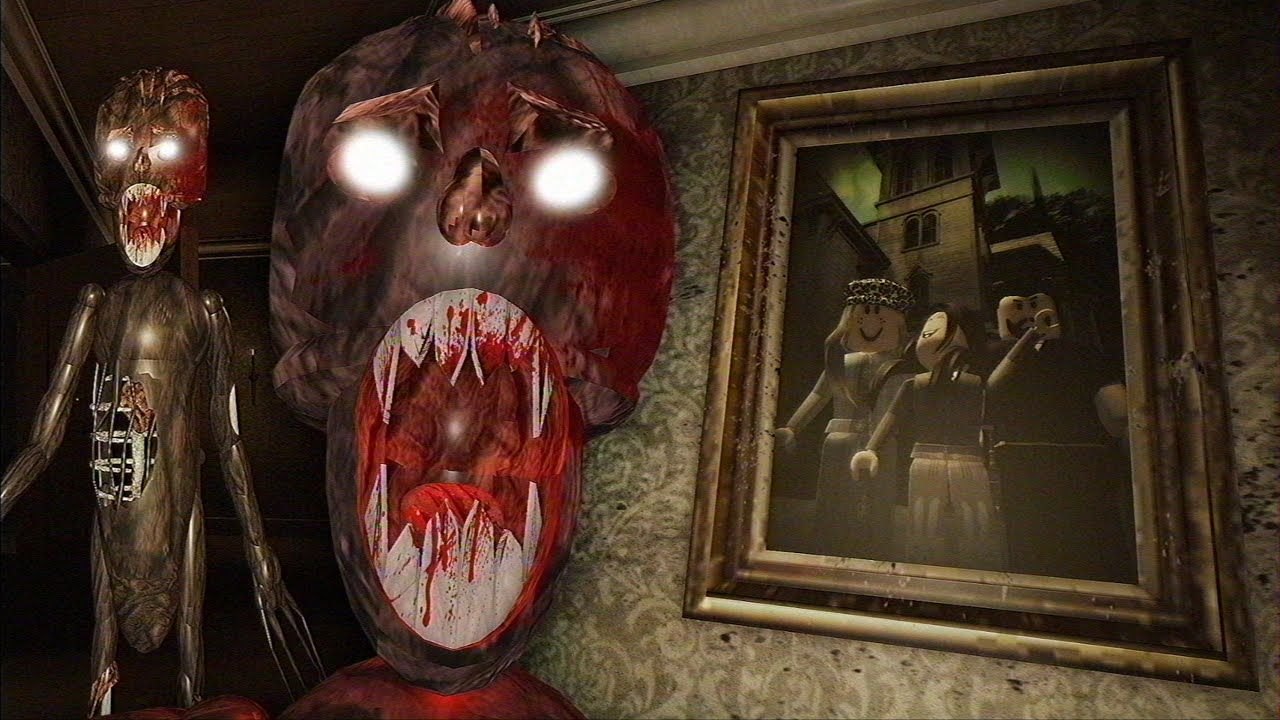
Before Truth plays like a Roblox exploration horror: you move through interiors, aim a flashlight, trigger proximity interactions, and type digits on keypads while a stalker threat and story pressure build. Precise button prompts can differ slightly by device, so this page focuses on reliable habits that work across keyboard, mouse, and typical Roblox touch layouts rather than promising a single frozen keybind table.
Pair this with Getting Started if you still need premise context.
Core loop on every device
- Move through rooms carefully—corners hide drawers and papers.
- Look up, down, and behind furniture; clue props are not always at eye level.
- Interact when a prompt appears on doors, drawers, notes, and pads.
- Illuminate surfaces with the flashlight before declaring a room “empty.”
- Enter codes only after reading the matching clue paper in your instance.
If an interaction fails, step closer, re-aim the camera, and ensure another player is not blocking the prompt in co-op.
Flashlight discipline
The flashlight is your primary investigation tool. Sweep baseboards, cabinet faces, and bathroom vanities. The kitchen solution paper lives in the second bathroom drawer—easy to miss if you only flick the light across the mirror. In chase moments, decide whether to keep the beam for pathing or briefly cut it to read silhouettes; panic swinging wastes time.
Keypads and UI focus
When a keypad opens, stop sprinting. Confirm you are on the correct device (kitchen vs later pads). Enter digits derived from clues—never from a random YouTube comment claiming a universal promo string. Remember: no redeem codes UI exists; see Promo codes. For the kitchen map (1/2/3), use Kitchen code and Puzzle codes.
Audio as a control
Wear headphones if you can. Footsteps, door cues, and creature tells matter as much as keybinds. Lower music slightly if it masks whispers or chase audio. In co-op, call what you hear so the team does not stack in one doorway.
Co-op movement etiquette
Online co-op—including four-player Chapter 2 instances—changes crowd control more than keybinds:
- Do not body-block the player typing a code.
- Stagger flashlight beams so one person always watches the hall.
- Assign who opens drawers to avoid duplicate loot confusion on shared clues.
- Keep callouts short: “paper is kitchen living kitchen living” beats paragraph chat.
Deeper roles: Co-op tips. Cast context: Characters.
Performance and comfort settings
Roblox graphics sliders affect shadow clarity in mansions and asylum-like halls. If clues disappear into noise, raise quality or brightness moderately without washing out horror contrast. On mobile, use a stable grip; accidental camera flicks skip interaction prompts. Close background apps if keypad typing lags.
Accessibility-minded tips
- Increase UI scale in Roblox settings if prompts are hard to read.
- Use external notes to jot digit maps (1 kitchen, 2 living, 3 washroom).
- Take breaks after jump scares—tired players mis-enter codes.
- Color-aware players should rely on room names on papers, not assumed icon colors.
Common “controls feel broken” fixes
- Cannot open drawer: another player may have it occupied; wait or rejoin proximity.
- Keypad ignores input: click/tap the field, disable overlay browsers, re-open the pad.
- Lost after teleport between chapter areas: reorient with landmarks before sprinting.
- Thought you needed a script for movement: you do not—see Scripts Hub only for safety education.
Practice route
Spend five minutes in the early mansion practicing drawer opens, flashlight sweeps, and one intentional wrong-code then correct-code cycle on the kitchen pad using your own bathroom paper. Then continue with Chapter 1 walkthrough. When you reach later content, Chapter 2 walkthrough assumes these habits.
Related pages
Guides Hub · Codes Hub · Tools Hub · Tier List Hub for difficulty expectations · Updates Hub for chapter order.
Mastering controls in Before Truth means mastering attention. The detective fantasy only works if your hands give your eyes enough time to see the truth before the scare.
Frequently Asked Questions
Quick answers to the most common questions.
Are controls the same on mobile and PC?
Core actions match—move, look, interact, flashlight, keypads—but prompts and touch layouts differ. Focus on habits over memorizing one key list.
Why can’t I interact with a drawer?
Get closer, re-aim the camera, and check whether another co-op player is already using it.
Do I need a special key for codes?
No redeem hotkey exists. Puzzle keypads appear as in-world devices you interact with after finding clues.
How do I get better at not missing clues?
Slow flashlight sweeps, open second drawers, and read every paper before leaving a room.
Where should I go after learning controls?
Open Getting Started if needed, then Kitchen code and the Chapter 1 walkthrough.